Stored XSS in SaaS Collaboration Features and Rich Text Editors
Attackers exploit trust in collaboration tools by injecting malicious scripts into shared content.
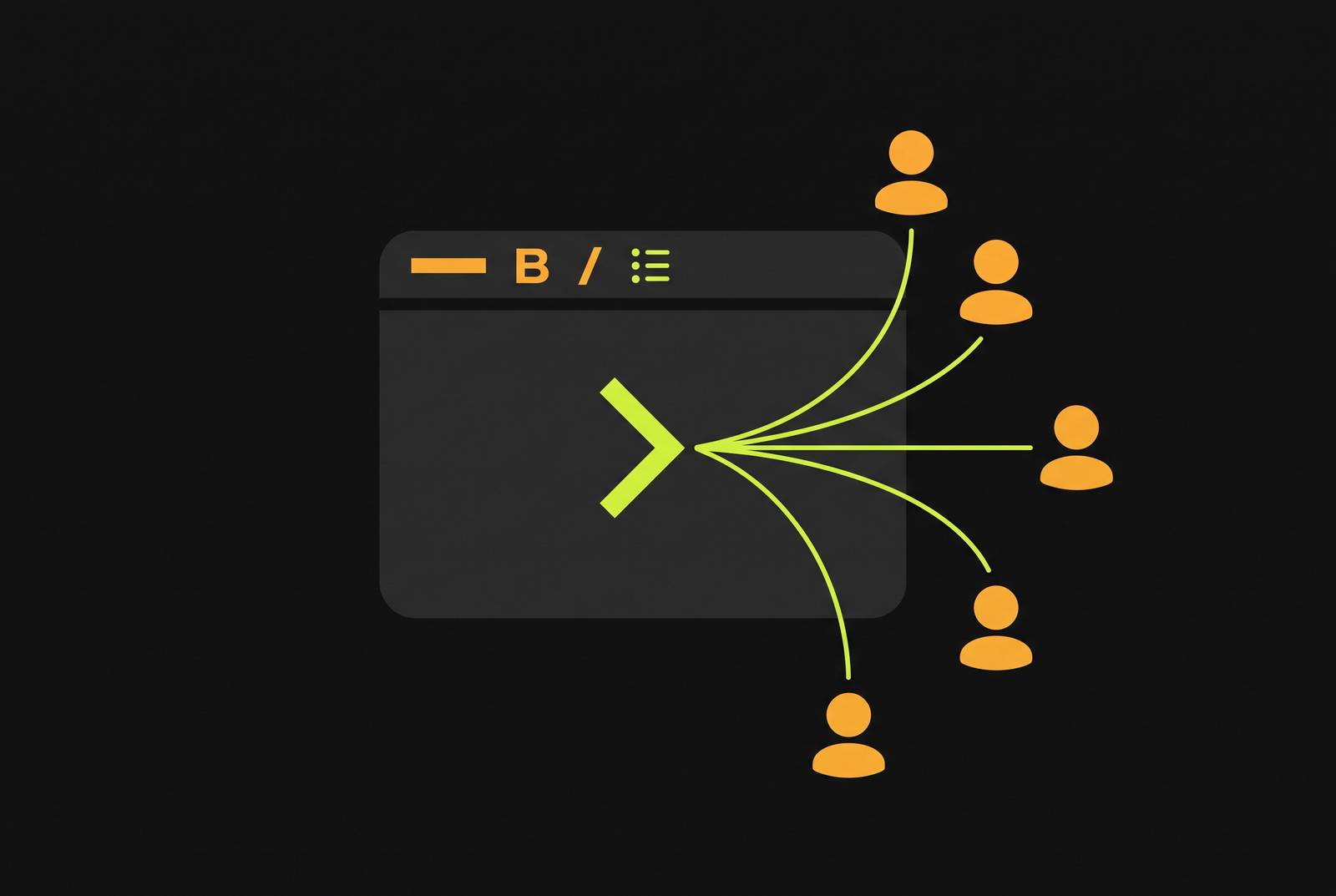
Stored XSS happens when an attacker plants malicious script inside an application's database, and that script fires in every visitor's browser each time the affected content loads. No phishing email, no fake login page, no victim clicking a booby-trapped link. The payload just sits there, waiting for the next person to open the page.
Stored payloads don't need luring. Once they're planted, they distribute themselves.
A single injection point doesn't just wait for one visitor, it waits for an entire team, an entire org, sometimes an entire tenant, all of whom load the same shared content on a normal workday. The people opening that document already trust it, which makes collaboration tools worse than a random contact form on some marketing site. They trust their coworker's display name. They trust the note left in a shared page. Nobody scrutinizes a username the way they'd scrutinize an unsolicited email attachment. The trust asymmetry causes the same bug that'd be a minor annoyance on a public form to become a five-alarm fire inside a workspace everyone treats as safe by default.
The Attack Surface in a Modern SaaS Collaboration Product
Rich text editors are the obvious starting point. WYSIWYG fields exist to accept HTML-like input, that's the whole point of letting someone bold a word or drop in a table. But the same permissiveness that makes formatting possible is precisely what makes payload injection possible. You can't have one without cracking the door open for the other, at least not without serious engineering discipline behind the scenes.
Less obvious, and honestly more dangerous, is the metadata layer built into the visible UI. Display names, usernames, labels, status fields, all of it gets treated as plain text in the underlying data model, right up until the moment it gets rendered as HTML on screen. Nobody flags a "username" field for rich-text sanitization, because why would they? It's a name, so nobody flags a "username" field for rich-text sanitization. Except when that name gets stitched into an HTML template somewhere downstream, it is rendered not as a name but as markup.
Autocomplete and mention systems add a third layer. Type an @ symbol in most collaboration tools and a dropdown populates with candidate names pulled from user-controlled data, injected straight into the DOM as you type. That's a live, keypress-triggered rendering path, and it's one most security reviews barely glance at.
And then there's the cross-context failure, which is subtle enough that it slips past a lot of otherwise careful engineering teams. A chat message that was perfectly safe the moment it was sent can turn dangerous later, when some other feature re-renders that same message in a different view, say, a rich-text summary of a chat thread pulled into a report or a transcript embed. The content didn't change. The rendering context did. That's often enough.
Six confirmed CVEs that show exactly how these vulnerabilities manifest in real products
Start with CKEditor 5's real-time collaboration package, tracked as CVE-2025-25299. The vulnerability lives in the @ckeditor/ckeditor5-real-time-collaboration package, affecting versions from 41.3.0 onward. The injection vector here isn't the document text itself, it's the user markers, the little presence indicators showing where each collaborator's cursor sits on the page. The fix is to upgrade to version 44.2.1 or later, and there are no workarounds available short of that. The CVSS 4.0 score is 2.3, which is low, but that's mostly because exploitation requires a specific editor and token endpoint configuration, not because the underlying vector is hard to reach, since it's network-accessible and needs no privileges at all.
Discourse's Rich Text Editor tells a starker story. CVE-2026-72730 documents a case where the editor rendered a chat-transcript username as raw HTML instead of escaping it, opening a stored XSS path. This one carries a CVSS score of 8.7, solidly in High territory https://hol.org/guard/security/cves/CVE-2026-72730-discourse-stored-xss-chat-transcript-username. It affected every version prior to 2026.1.6, 2026.5.2, 2026.6.1, and 2026.7.0, and got patched in those exact releases. The carrier, not the score, is what makes this one memorable. A username, the single most routine, most overlooked piece of user-controlled data in any collaboration product, was the payload delivery mechanism. If that field isn't locked down, nothing downstream matters much.
Kentico Xperience adds a different flavor entirely. CVE-2024-58318 lives in the rich text editor component used for page and form builders, and the injection vector is malicious URIs typed directly into the editor. It carries a CVSS of 5.1, Medium severity, filed under CWE-79, and credit for the find goes to the Kentico Security Team https://www.vulncheck.com/advisories/kentico-xperience-rich-text-editor-stored-xss. The significance here is structural: URI fields inside form-builder components open a distinct path where a content editor, someone with elevated trust but not full admin rights, can plant a payload that fires for every single visitor to the site. That's a privilege-escalation shortcut hiding inside a routine editing workflow.
GitLab's Rich Text Editor rounds out the set, documented through a public vulnerability disclosure report. The bug ran through autocomplete results, letting an attacker execute arbitrary JavaScript on a victim's behalf. What stands out is how little access the attacker needed. No insider position needed. No existing trust relationship. Just a default-on feature nobody thought to lock down.
Across the first half of 2025, cross-site scripting and SQL injection together accounted for 38% of all reported weaknesses tracked in that period https://app.opencve.io/cve/CVE-2025-25299.
The mechanics behind why sanitizers fail to stop these injections
Rich text editors have to allow some subset of HTML through, or the product stops working. Bold text, links, tables, embeds, all of that is HTML. Stripping it entirely leaves a plain-text box, not an editor. So the industry standard is allow-list sanitization, letting through a known-safe set of tags and attributes while blocking everything else. Correct in theory. Brutally hard to get right in practice.
The core failure mode is what security researchers call mutated XSS. HTML parsers don't all agree on how to handle malformed markup, and browsers are notoriously forgiving, sometimes too forgiving. A string can pass through a sanitizer looking completely inert, then get rewritten by the browser's own parser into something that executes. The sanitizer correctly identifies what it saw. It's wrong about what the browser will do with it next.
Joplin's disclosure, tracked under GHSA-5w3c-wph9-hq92, is a clean example of exactly this. The bug traced back to a specific disagreement between how Joplin's sanitizer handled HTML comments and how the browser handled those same comments. The sanitizer let the content through as safe. The browser then executed it anyway.
Context-switching causes a second, quieter failure. Data gets sanitized once, for one rendering context, say plain-text display, and then later gets rendered somewhere else entirely: an HTML context, a JavaScript context, an attribute value. Nobody re-sanitizes for the new context, because as far as the codebase is concerned, that data was already "handled." But it wasn't handled for a job it's no longer doing. It was handled for a job it's no longer doing.
And that circles back to the username trap mentioned earlier. Display names and usernames sit in fields the data model treats as safe metadata. They never pass through a rich-text sanitizer, because nobody ever classified them as rich text in the first place. Then some template somewhere drops that string straight into an HTML page, and it stops being a name. It's markup now, and it executes like markup.
How the shared-workspace trust model turns a single injection into a multi-victim event
A traditional stored XSS bug reaches whoever visits one specific page. In a shared workspace, the "page" is the workspace itself, the documents, the tickets, the comment threads that every team member opens as a matter of routine. That's the product. The documents, the tickets, the comment threads that every team member opens as a matter of routine are the product.
Think through what a single payload can do once it's live in that kind of environment. A script that quietly grabs session cookies runs the instant any collaborator opens the infected document, and it keeps running for the next person, and the next. The attacker doesn't need to repeat the attack. They just need one document, opened routinely, by people who have no reason to suspect it.
The privilege angle makes this worse. In a shared workspace, an admin or a security reviewer or an enterprise customer's own employee might be the one who happens to open that document, and whatever the payload does, it does with the privileges of whoever's browser is running it. The attacker doesn't need to target the admin directly. They just need the admin to be a normal user of a normal shared tool, which, of course, they are.
GitLab's Service Desk case is the clearest illustration of how far this reach can extend. An external attacker, with zero prior relationship to a private project, could plant a payload through a feature that's enabled by default and routes external email directly into issues. The victim ends up being an internal team member who never interacted with that attacker at all. That's cross-tenant reach achieved through a default configuration setting, not through some sophisticated breach.
What a penetration test needs to cover to find these vulnerabilities
Automated scanners have a specific and predictable blind spot here. They test known input fields with known payloads, which works fine when the vulnerability lives exactly where the scanner expects to look.
That gap appears in a few consistent places. Multi-step injection paths, where the payload gets planted in one field and only executes when it's rendered somewhere else entirely, sail right past scanners built to test single input-output pairs. Business logic gets missed too, and Service Desk's default-on, external-routes-into-internal-issues configuration is the textbook case. Context switches, like a chat message re-rendered later as a rich-text transcript summary, fall into the same blind spot, and so do metadata fields that nobody labeled "user input" in the first place, things like display names, status labels, and autocomplete data sources.
This is where source access changes what's actually findable. A tester working with the codebase can trace every single place user-controlled data gets interpolated into an HTML template, rather than guessing at it from the outside.
And the standard for what counts as a finding matters more than it might seem. Saying "this username field might get rendered as HTML somewhere" is a hypothesis. A confirmed payload that actually exfiltrates a session token is the difference between theory and proof, and it's the artifact a development team can actually act on. Anything short of that is a guess dressed up as a finding. Penetration testing should verify whether the sanitization library in use handles the specific HTML parser edge cases, like comment handling, that produced the Joplin vulnerability.
Defensive controls that address the root causes, not just the symptoms
Output escaping has to be the primary control, and it has to happen at the point of rendering, not just at the point of input. User-controlled data needs HTML encoding when it is in an HTML context, JavaScript encoding when it is in a script context, and attribute encoding when it is inside an HTML attribute, applied at every single rendering boundary the data passes through, not once and never again.
Teams keep sanitizing once, at the front door, and assuming the job is done. Sanitizing once, at the front door, and assuming the job is done, is how the username trap and the context-switching failure both happen. Data doesn't stay in one context for its entire life inside a collaboration product. It gets pulled into summaries, transcripts, autocomplete dropdowns, presence indicators, notification emails. Every one of those is a separate rendering boundary, and every one of them needs its own encoding pass, matched to whatever context it's landing in at that moment. The WordPress Rich Text Editor plugin CSRF-to-Stored XSS vulnerability, CVE-2025-31623, carries a CVSS severity rating of 7.1 https://cyberstrike.io/cve/CVE-2025-31623/. In 2025, 29 million new hardcoded secrets were discovered across public GitHub repositories https://vulmon.com/searchpage?q=rich+text+editor. CVE-2025-31623 has a CVSS score of 7.1 out of 10 https://www.strix.ai/cve/CVE-2025-31623.
Sources
- Kentico Xperience <= 13.0.162 Rich Text Editor Stored XSS
- CVE-2025-25299 - Vulnerability Details - OpenCVE
- rich text editor vulnerabilities and exploits
- Discourse: Stored XSS chat-transcript username unescaped in Rich Text Editor (CVE-2026-72730) | HOL Guard CVE
- CVE-2025-31623 — CVE Detail | CyberStrike
- CVE-2025-31623: CSRF Vulnerability (CVSS 7.1) — Fix & Details
- XSS in Rich Text Editor allows arbitrary code execution